Business conversations spread across inboxes.
Customer correspondence, handovers and approvals are hard to reconstruct when shared mailboxes, meetings and decisions lack a consistent operating model.
 Tripearltech
MICROSOFT 365 / INDIA
Tripearltech
MICROSOFT 365 / INDIA
Give employees a dependable workplace for email, documents, meetings and secure collaboration. Tripearltech helps you plan, migrate, implement and support Microsoft 365 with clear ownership and practical adoption.
 Microsoft 365 CopilotAI assistance, readiness & adoption
 People, information and everyday work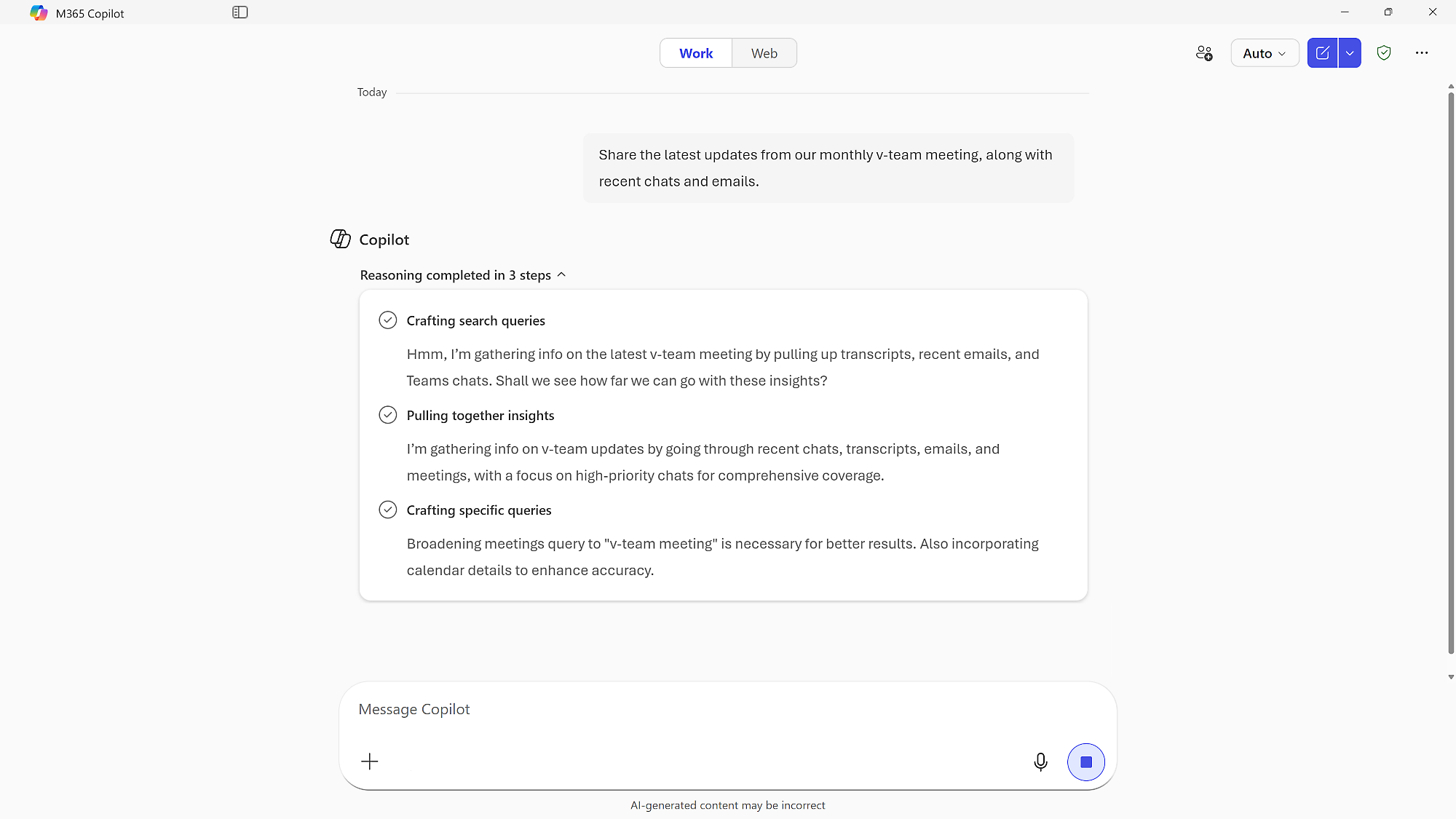
Organizations featured in Tripearltech's published client portfolio. These relationships demonstrate the wider practice—not six separately verified Microsoft 365 deployments.






tpt-m365-assets/.Learn about our Microsoft 365 practice ↗Microsoft 365 combines productivity applications with cloud email, collaboration, file services and—depending on the subscription—identity, endpoint security and information-protection capabilities. It helps organizations give employees a consistent digital workplace across offices, job roles and devices.
Tripearltech is a Microsoft partner headquartered in Ahmedabad, India. Our Microsoft 365 services cover consulting, licensing guidance, tenant planning, Office 365 migration, Microsoft Teams and SharePoint implementation, adoption and ongoing support. A license purchase is only the beginning: the real work is establishing reliable access, sensible governance and a workplace people can use.
Read the Microsoft 365 Business solution guide ↗Often the problem is not the absence of an application; it is unclear ownership, fragmented data or rules that were never established.
Customer correspondence, handovers and approvals are hard to reconstruct when shared mailboxes, meetings and decisions lack a consistent operating model.
Files move between desktops, external drives and personal folders. Teams cannot easily tell which version is current or who should approve external sharing.
New hires, vendors, changing devices and employee exits introduce risk when identity, licenses, data access and support responsibilities are inconsistent.
For organizations comparing a Microsoft 365 partner in India, practical delivery and long-term ownership matter more than a product catalog.
Tripearltech helps organizations assess Microsoft 365 Business and Enterprise subscriptions, Microsoft Teams, Exchange Online, SharePoint Online, OneDrive, Microsoft Entra ID and appropriate security capabilities. The starting point is who needs what, why they need it and how the organization will govern it.
Our consultants map business personas, domain and tenant ownership, remote-working patterns, sensitive information, shared devices, third-party access and compliance obligations. We document a future-state design with licensing assumptions, migration prerequisites, access roles, collaboration structure and adoption priorities.
Whether you are searching for a Microsoft 365 consultant in Ahmedabad, a Microsoft Office 365 implementation partner in India, or guidance for a multi-location workplace, the engagement is scoped around real users and measurable acceptance criteria.
Our Microsoft 365 migration and implementation services address current mail systems, Exchange Online mailboxes, files, Teams workspaces and user identities. We plan pilot moves, domain and DNS changes, permission checks, cutover windows, rollback responsibilities and user communication with your IT and process owners.
After deployment, the focus changes to the quality of day-to-day work: functioning email delivery, appropriate sharing, manageable devices, trained users and a predictable support model. Tripearltech can help with Teams implementation, SharePoint consulting, Office 365 email migration, Microsoft 365 security configuration, administration and managed services under an agreed scope.
Our India-based practice supports organizations serving different markets. Service coverage, response times, customer-side duties and specialist requirements are defined in the engagement rather than assumed.
We agree how to observe improvement instead of offering unverified percentages or universal cost savings.
Define where staff find approved documents, mail and discussions, with permissions appropriate to the role.
Review: missing-file incidents, access exceptionsAgree document owners, retention needs and external-sharing processes before moving old data into new services.
Review: workspace owners, guest accountsApply approved policies and test the user experience. Confirm the purchased plan includes each proposed control.
Review: enrolment, MFA, policy exceptionsSupport role-based onboarding, clear support routes and agreed working practices—not only technical activation.
Review: usage, tickets, training feedbackFeatures depend on the exact Microsoft 365 SKU, region, configuration and any add-on licenses. Scope each capability before rollout.
Plan domain email, mailbox moves, shared mailboxes, delegates, spam protection and calendar practices. Verify deliverability and mailbox ownership.
CommunicationSet Teams and channels around business groups, guest policies, meeting practices and document ownership. Teams availability varies by offer.
CollaborationBuild libraries, access groups, metadata and version practices for controlled documents and shared knowledge.
InformationUse OneDrive for individual work and supported synchronization while defining handover, retention and sharing responsibilities.
StorageMatch browser and mobile access or installed Office apps to user requirements; Business Basic does not include desktop Office apps.
ProductivityGovern multifactor authentication, administrator privileges and joiner–mover–leaver procedures. Conditional Access requires eligible licensing.
IdentityFor eligible plans such as Business Premium, design device enrolment, endpoint protection and manageable policy exceptions.
SecuritySet up defined processes for requests, tasks and forms; review advanced features and Power Platform licensing before expanding.
OperationsAssess information access, sensitive content and use cases. Paid work-grounded Copilot and agent consumption require separate entitlement reviews.
AI & adoptionMap user roles and security requirements to exact purchased SKUs before implementation.
A simple example: handling an important customer delivery document without losing its ownership or latest version.
Discuss your workplace workflow ↗A shared Exchange Online mailbox receives the enquiry with a named person responsible for triage.
The relevant Teams channel brings people into a discussion; licensed users access the approved workspace.
The working document is stored in SharePoint with an agreed owner, access group and review process.
The business approves the version to be sent and keeps the record according to applicable policy. Advanced automation, if required, is scoped separately.
Microsoft 365 supports workplace collaboration across sectors, while specialized transactional systems remain the systems of record.
Challenge: Plant instructions and supplier files circulate through uncontrolled email attachments.
Approach: Govern document libraries, role-based access and current approved versions; assess shop-floor device constraints separately.
Challenge: Teams need shared drawings and handover records across locations and external stakeholders.
Approach: Define project sites, external-sharing approvals and lifecycle closure rules; retain specialist CAD/PDM systems where required.
Challenge: Account knowledge sits in individual inboxes and disconnected folders.
Approach: Organize shared correspondence and team files without confusing them with ERP sales or inventory records.
Challenge: Confidential client files and temporary project members create access complexity.
Approach: Create repeatable site templates, guest controls, document ownership and offboarding procedures.
Challenge: Branch staff do not receive consistent information and may share devices.
Approach: Assess Teams availability, eligible frontline licensing, shared-device configuration and branch connectivity.
Challenge: Management packs are circulated without consistent access or ownership.
Approach: Govern source documents and approved reporting; validate Power BI or ERP licensing separately.
Identify where information originates, which system owns the record and how errors or access issues will be handled.
Link business context with approved documents and communication; keep financial transactions in the ERP.
Explore ERP ↗Build scoped approvals and notifications after checking connector rights, failure handling and workflow ownership.
Explore workflows ↗Distribute reporting through supported access controls. Teams access does not replace Power BI viewing entitlements.
Explore analytics ↗Review identity architecture, third-party integrations and cloud dependencies as separate scoped decisions.
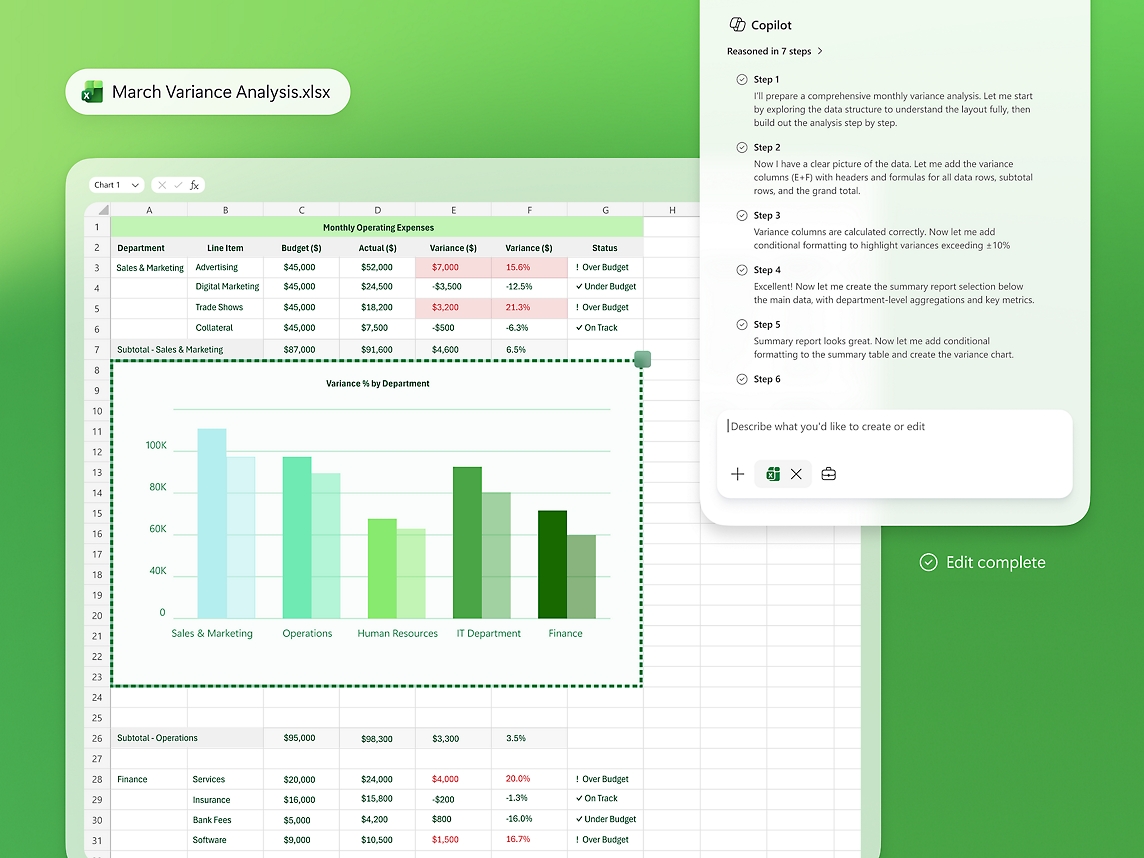
Explore Azure ↗Tripearltech helps businesses evaluate Microsoft 365 Copilot licensing, secure information access and practical use cases across Outlook, Word, Excel, Teams and other supported experiences. A successful rollout starts with content ownership, permissions, an agreed pilot and user adoption—not merely activating an AI subscription.
Practical engagements, with identifiable outputs and an agreed boundary between customer and delivery-team responsibilities.
Current-state review, user personas, Business/Enterprise comparisons, Teams and Copilot options, subscription dependencies.
Tenant ownership, administrators, verified domains, secure sign-in, access baseline and control review.
Source inventory, identity preparation, Exchange Online mailbox migration, SharePoint/OneDrive content, pilot and cutover.
Team structures, document libraries, permissions, external users and collaboration governance.
Licensed MFA and Conditional Access design, Intune/Defender configuration, endpoint policy pilots and exception review.
Role-based enablement, admin handover, helpdesk scope, change requests, subscription and governance reviews.
Each transition has an owner, a practical acceptance gate and a clear route to the next stage.
Current licensing, identity, devices, mail, content, integrations and user needs.
Gate: agreed requirements & ownersArchitecture, data and sharing rules, migration cohorts, security controls and plan choices.
Gate: signed-off solution designTenant controls, migration test runs, Teams sites, devices and realistic user scenarios.
Gate: pilot evidence & fixesMailbox routing, content move, user communications, validation and support coverage.
Gate: accepted cutover checksHypercare, administrator runbooks, adoption checks, license changes and backlog.
Gate: operational handoverMicrosoft 365 pricing, seat limits, Teams availability and included security features are SKU- and region-dependent. Confirm current Indian terms before placing an order.
Business email, web and mobile Office apps, cloud files and collaboration in eligible Teams offers.
Builds on Basic with installed desktop Office apps, subject to the exact offer.
Builds on Standard with eligible Entra ID P1, Intune and Defender for Business capabilities.
Enterprise licensing, identity, endpoint and data-governance scenarios for more complex organizations.
Mailboxes and source platforms; amount and quality of data; number of sites and organizations; domain changes; identity coexistence; device estate; security requirements; regulatory expectations; user training; and the cutover window.
Tripearltech's website identifies the company as a Microsoft partner in Ahmedabad with delivery across Dynamics 365, Microsoft 365, Azure, Power Platform and other Microsoft technologies.
Our corporate site publishes selected client relationships and company-wide experience. Those references do not establish that any named client has purchased Microsoft 365 from Tripearltech. Product-specific case studies, approved testimonials, individual certifications and quantified outcomes are supplied only when verified and authorized.
Learn more about Tripearltech ↗The best decision depends on your users, architecture, risk requirements and existing commitments—not just subscription price.
“Office 365” remains a common search term and is also the name of some Microsoft offers. Microsoft 365 suites can combine Office applications and cloud services with broader management and security features; compare exact SKUs.
Business plans commonly suit organizations up to the published 300-user plan ceiling. More complex, larger or compliance-heavy estates may need E3/E5 or other eligible configurations.
Moving mailboxes alone does not establish collaboration governance, access lifecycle or adoption. Some organizations need a narrow migration; others benefit from a phased workplace redesign.
Use this local checklist to structure your first discussion. No responses are transmitted or stored by the page.
Discuss your readiness ↗Start with users, their work and the systems they rely on.
These are practical starting answers; final entitlements and delivery scope are confirmed against your selected plans and environment.
Ask Tripearltech a specific question ↗Tripearltech is a Microsoft partner based in Ahmedabad, Gujarat. Its Microsoft 365 services include consulting, licensing assessment, migration planning, configuration, identity and security readiness, staff adoption and continuing support. The exact activities are agreed in each project.
We can assess and plan supported mailbox migrations after reviewing the source platform, authentication, mailboxes, domains, retained archives and access rights. Feasibility, migration tools and the cutover plan depend on the existing environment.
Business Basic focuses on browser/mobile productivity and cloud collaboration, Standard adds installed Office apps, and Premium adds eligible identity, device management and threat-protection capabilities. The exact SKU, Teams variant, territory and terms determine entitlement.
No. Teams availability differs between with-Teams and without-Teams offers. Included chat experiences are not the same as all paid, work-grounded Copilot features. Confirm the exact subscription and any required add-on licenses.
Yes, as a scoped engagement. We define workspace ownership, guest and external sharing, document libraries, personal versus team files, naming and lifecycle rules, then validate the structure with users.
Microsoft documents Intune and Defender for Business within Business Premium, along with Microsoft Entra ID P1. These tools need configuration and ongoing administration; add-on features and server protection have separate requirements.
Cost depends on users, mailboxes, data volume, source systems, tenant and domain complexity, identity, devices, required policies, third-party tools, training and support. A reliable quotation follows discovery and agreed responsibilities.
Integration options exist, but data ownership, connector licensing, permissions and failure handling must be designed separately. Microsoft 365 licensing does not grant all Dynamics, Power Platform or Power BI rights.
Microsoft 365 offers security and compliance capabilities depending on the product plan and configuration. Your organization must evaluate its own statutory obligations, data residency requirements, access controls, retention policies and relevant contractual commitments rather than assuming a subscription guarantees compliance.
Yes, subject to a current-state audit and access review. We can discuss mailbox issues, licensing, security baseline, SharePoint or Teams structure, administration and managed support, then agree the remediation and service boundaries.
Duration varies by migration volume, number of locations, identity and domain constraints, security requirements, pilot outcomes, user readiness and approval cycles. We establish a plan and cutover window once those dependencies are understood.
Describe your current workplace, planned migration or security requirements. Tripearltech can help assess the right licensing, technical scope and delivery approach for an India-based or international team.
Prefer direct contact?info@tripearltech.com+91 99041 30108
A short outline is enough to begin. Avoid sharing passwords or confidential records in this form.